
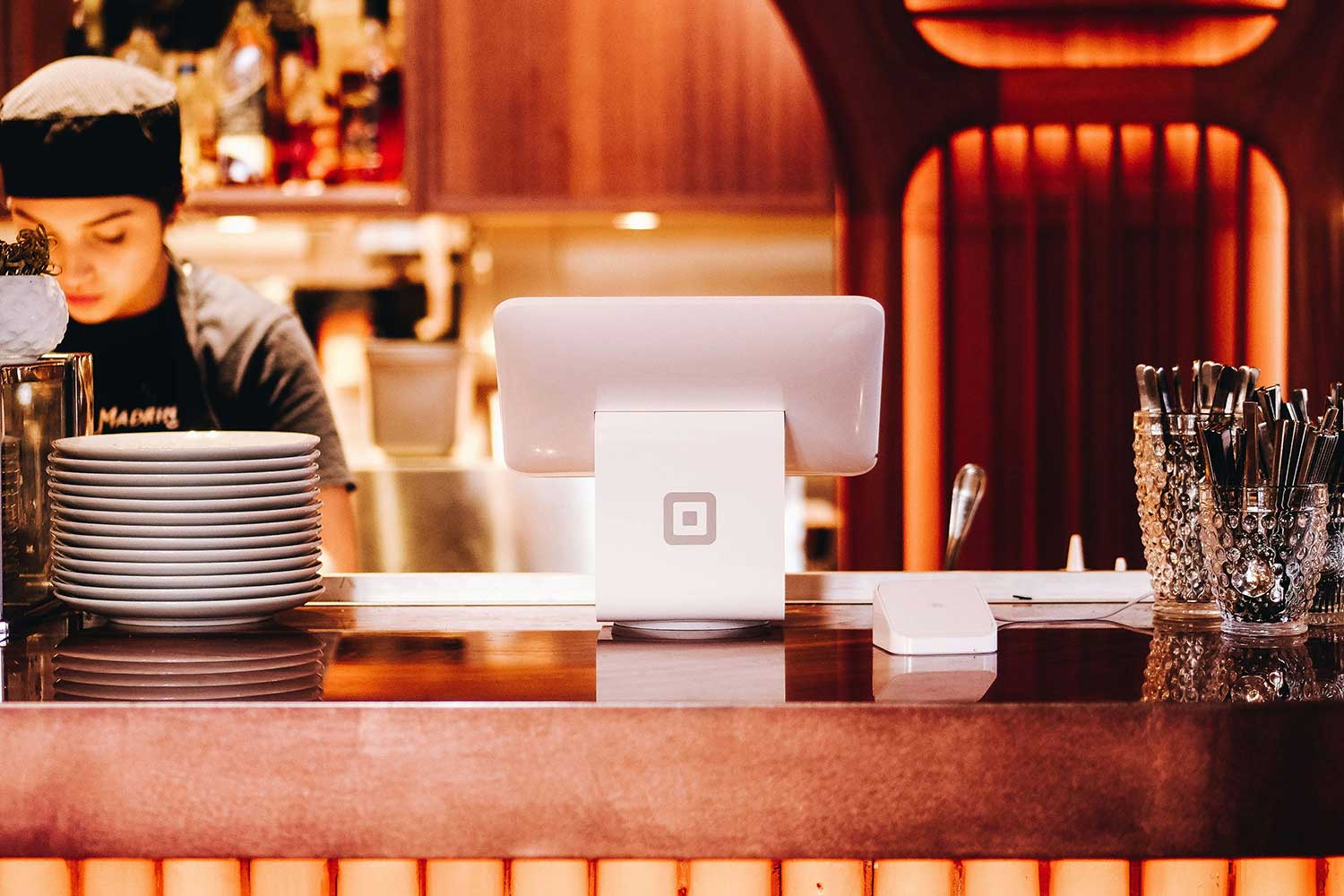
An F&B outlet closes at midnight. The POS data from the evening’s service hasn’t reached the ERP. By 7am, when the GM sits down with the morning finance report, the outlet’s revenue isn’t in it. The numbers reflect yesterday. Decisions about staffing, purchasing, and daily spend are made on yesterday’s data.
This is what happens when ERP and POS systems are chosen late, configured in isolation, or integrated as an afterthought. The damage isn’t dramatic but it is accumulative. Reconciliations pile up, reporting gaps compound, and the finance team spends its time chasing data instead of analysing it. Pre-launch is the only phase where these problems can be designed out. This guide covers how to evaluate, select, and integrate a hotel ERP and POS before opening — and what to confirm at every stage.
The Role of Hospitality ERP Software in Pre-Opening Hotels
A hotel ERP is the financial and operational backbone of the property, but its value in the pre-opening phase is specific. It needs to be configured with decisions that will shape how every subsequent transaction is categorised, approved, and reported.
The chart of accounts is the first of those decisions. How revenue is categorised by outlet, room type, or service determines what the financial reports will show. A chart of accounts set up without enough specificity is difficult to restructure once transactions are flowing through. Approval hierarchies come next: who can authorise purchase orders, at what value thresholds, and what happens when the authorising manager is unavailable. These hierarchies need to match the management structure of the property, not a generic org chart.
Procurement workflows need to be operational before the hotel starts spending on pre-opening supplies and FF&E. Supplier onboarding — including payment terms, tax status, and banking details — should be complete in the ERP before the first invoice arrives. Payroll structure and compliance setup, covering local tax and labour law requirements, need to be built in before go-live, not during the first audit.
Hospitality ERP software configured correctly before opening gives the finance and operations team a single source of truth from day one. Configured incorrectly or too late, it creates manual reconciliation problems that the system was supposed to prevent.
The Role of a Hotel POS System Across Hotel Outlets
A hotel POS system handles real-time transactions across every guest-facing outlet — restaurants, bars, room service, spa, and retail. Before any of that happens, the system needs to be configured for each outlet individually. That configuration work is substantial and it needs to be done before service begins.
Menu structure and pricing must be configured for each outlet so that modifiers, combo items, and pricing tiers function correctly during service. A menu configured after opening means correcting errors in front of staff who are already serving guests. Tax configuration needs to apply the correct rates by outlet type and jurisdiction and map them to the appropriate revenue categories in the ERP — an error here creates a reporting discrepancy that compounds with every transaction until it is fixed. Revenue category mapping — how each transaction type is labelled and routed — determines whether the outlet’s financial data is usable or requires manual correction every night.
Room charge integration needs to be tested end-to-end to ensure that charges from hotel outlets post correctly to each guest’s PMS folio. A room charge that fails or posts incorrectly is a billing error that surfaces at checkout, usually in front of the guest.
A hotel POS system configured after opening means doing all of this under live service pressure — with staff serving guests, managers troubleshooting in real time, and no tolerance for a system that isn’t quite right yet. The configuration window is the pre-opening phase. Once service starts, it closes.
Why ERP–POS Integration Matters and What to Verify
Return to the opening scenario. The F&B outlet closes, the POS data doesn’t flow to the ERP, and the morning report is incomplete. That failure has a specific cause: the integration between the two systems either doesn’t exist, wasn’t configured correctly, or wasn’t tested before go-live. Once the hotel is operational, the fix requires a technical intervention on a live system, during which the reporting gap continues to widen.
Proper ERP–POS integration means POS sales data flows directly into ERP accounting, inventory usage updates automatically based on transactions, and revenue is visible across outlets in real time. Cost and margin analysis becomes a daily tool rather than a weekly manual exercise. These outcomes depend on the integration being real — not a promised API connection that has never been tested at a property like yours.
The goal is not necessarily a single-vendor suite. It is a confirmed, tested integration between your chosen systems that works in operational environments. A hotel running an ERP from one vendor and a POS from another can achieve the same outcome as a hotel running both from the same vendor — as long as the integration is real and has been verified. The question to ask every vendor is not “do you integrate with X” but “show me a hotel running that combination right now.” An integration that exists only in a data sheet is not an integration you can rely on.
Step-by-Step Pre-Launch Evaluation
Step 1: Map your outlet and revenue structure first
Before speaking to vendors, document every revenue-generating touchpoint the hotel will have at opening: each F&B outlet, the spa, retail areas, room service, any external event or catering function. Map how revenue from each will need to be categorised, reported, and reconciled. This exercise defines the system architecture you will need and reveals requirements that a generic vendor demo won’t surface. The system architecture should follow the operation, not the other way around. Hotels that let vendor demos define their workflows end up configuring workarounds from day one.
Step 2: Confirm integration between your ERP and POS
Whether buying from one vendor or two, verify that the ERP–POS integration has been tested at a comparable property. Ask for a hotel reference you can speak to directly rather than a case study. If middleware bridges the two systems, ask the vendor who owns that dependency when the underlying systems are updated — this is not a reason to rule out a vendor, but it requires a specific answer before signing.
Step 3: Validate the connection to your PMS
Both the ERP and the POS need to connect to whichever PMS the hotel is running. Room charge posting from the POS to the PMS folio, and financial data flowing from the PMS to the ERP, are two of the most operationally critical integrations in the hotel’s tech stack. Confirm both at evaluation rather than at implementation, when changing course is more expensive. For guidance on evaluating and selecting the right PMS alongside these decisions, see our hotel PMS pre-launch guide. [insert link to Post 1]
Step 4: Build the training and go-live plan before signing
Pre-opening implementation timelines are compressed, non-linear, and frequently disrupted by construction delays, late hires, and shifting opening dates. The vendor needs to demonstrate experience with pre-opening hotels specifically — not a standard go-live process adapted for the occasion. Ask how many pre-opening implementations they have completed, what the typical timeline looks like, and how they handle a delayed opening date. A vendor who has done this before will have specific answers. One adapting their standard process will not.
Common Pre-Launch Mistakes and What They Cost
Choosing on price alone
The lowest-cost ERP or POS is rarely the lowest-cost decision over time. A system that doesn’t integrate with the rest of the tech stack, or that can’t be configured to match the hotel’s outlet structure, creates ongoing manual workarounds. In a hospitality operation, that means staff time diverted from guests, reporting errors that compound month over month, and eventually a re-implementation that costs more than the original savings.
Ignoring integration until after opening
Integration that isn’t confirmed before go-live fails at the worst possible moment. When a POS-to-ERP connection breaks during live service, the consequence is a manual reconciliation process layered on top of an already-pressured operation — and a finance team that spends the first weeks catching up rather than analysing.
Underestimating training needs
Pre-opening teams are trained on systems they have never used in a live environment, often in stages across a compressed timeline. A training plan that underestimates this produces a team that knows the basics but not the edge cases. In a hotel operation, edge cases — split folios, voided transactions, end-of-day discrepancies — appear daily from the moment the property opens.
Selecting tools that don’t scale
A system that fits the hotel at opening but can’t accommodate a second outlet, a new property, or a change in reporting requirements will need to be replaced. Replacing core operational software in a running hotel is expensive, disruptive, and avoidable if scalability is a selection criterion from the start.
How Web Prol’IFIC ERP and Touché POS Are Built for This
Web Prol’IFIC ERP and Touché POS are built for hospitality operations specifically, rather than adapted from generic enterprise software. That distinction matters in the pre-opening phase, where configuration decisions — chart of accounts by outlet type, menu structure by service model, tax mapping by jurisdiction — need to be handled by a system that understands the operational context, not one that requires workarounds to accommodate it.
Both systems connect to third-party platforms. Web Prol’IFIC ERP [insert product link] integrates with external PMS platforms, independent payroll systems, procurement platforms, and banking and payment infrastructure. Touché POS [insert product link] connects to third-party PMS systems for room charge posting, external payment gateways, inventory management platforms, and reporting tools. Neither requires the hotel to build its full tech stack from Prologic First. The integration architecture is open by design.
For hotels that choose to run Web Prol’IFIC ERP and Touché POS together, the ERP–POS integration is already established. POS data flows directly into ERP accounting, inventory updates automatically, and outlet revenue is visible in real time. When either system runs alongside Wish PMS [insert product link], that connection does not need to be built from scratch.
Both products are supported by a pre-opening implementation team with experience configuring hospitality systems before go-live, covering chart of accounts setup, outlet configuration, supplier onboarding, and end-to-end integration testing.
Guest Services as the Output of Good Integration
Back-of-house technology decisions have a direct impact at the front of house. When ERP, POS, and PMS are integrated correctly from day one, guests experience faster billing at checkout, room charges that post accurately in real time, and consistent service across every outlet. When they are not, staff work around disconnected systems — charges are added manually at checkout, guest preferences go uncaptured, and service slows at exactly the moments it should not.
The technology decision made in the pre-opening phase is the guest experience decision made for every stay that follows.
Where Prologic First Fits In
Web Prol’IFIC ERP and Touché POS are configured around your property’s outlet structure, revenue architecture, and integration requirements before go-live — whether as part of a full Prologic First stack or alongside third-party systems. The pre-opening phase is when that work happens and when it is easiest to get right.
Book a pre-opening technology consultation [insert link] or request a demo of Web Prol’IFIC ERP and Touché POS [insert link] to see how they fit your property’s setup.